Animatic maker for sequences you can act out

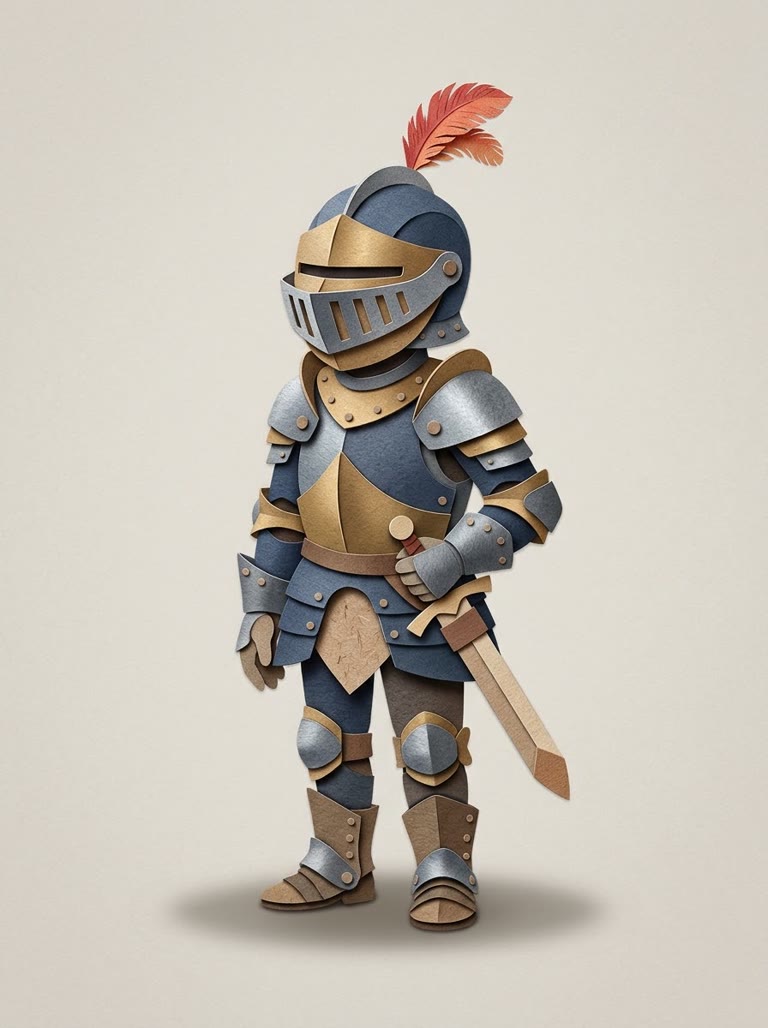
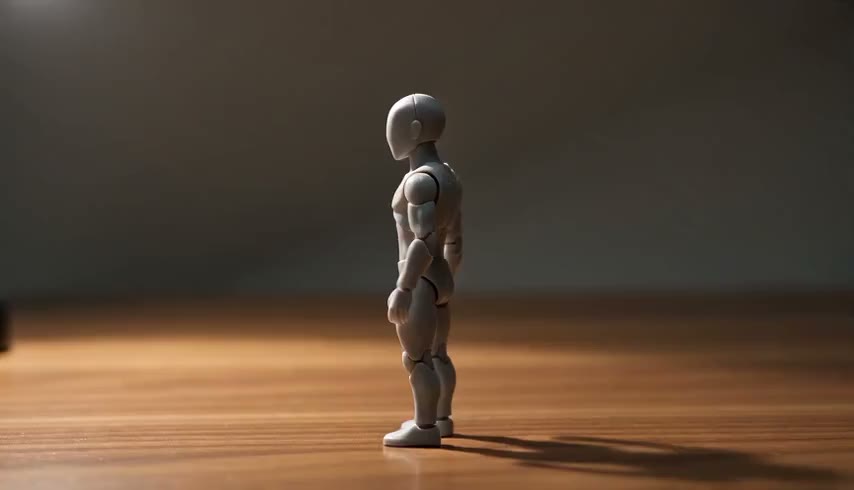
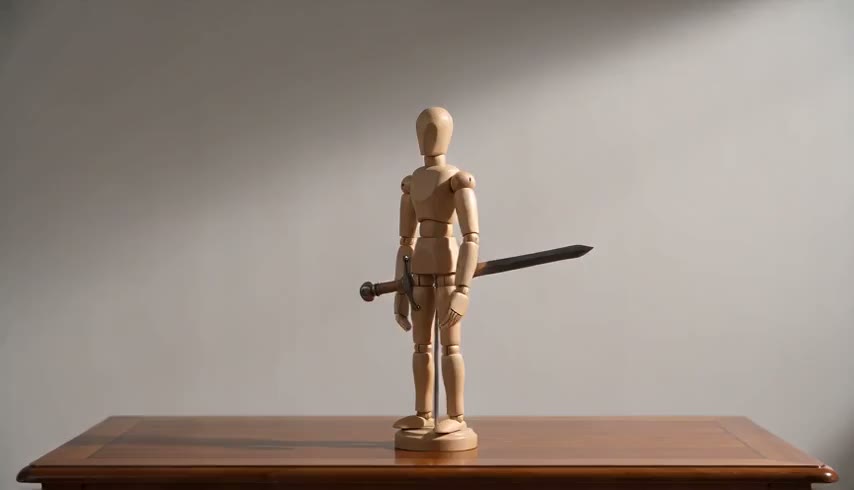
The reference clip: a wooden artist mannequin posed by hand through the drawThe character picture that was uploaded: a paper-cutout knight drawing a sword
Shot 01 · Draft · a paper-cutout knight drawing a sword
S01

1Character (every shot)

Upload your character

An invented character: a drawing, 3D model, toy, mascot or creature, full body if you can. JPEG, PNG or WebP. Real people and well-known characters are refused.

2Reference clip

Set, light and mood for this shot. Checked before the take starts.0/300

4Pass

Size
Sign up for 80 free credits

80 credits once after you confirm your email: one 4-second Draft take of your shot.

An animatic is a storyboard that moves in time, so you can feel whether a sequence works before anyone builds it. This animatic maker builds one from shots you act out. Film each shot as a rough phone clip, give it your character and a scene line, run a take, and keep the best take for every shot. When each shot has a keeper, put them in order and export the sequence as one MP4 in your browser. The export is free; you pay only for the takes.

Updated

How it works

  1. 1

    Act out each shot

    Film one clip per shot on your phone: a walk, a reach, a look over the shoulder, a camera drift. Each one only needs to be as long as the shot, 4 to 10 seconds. Upload it, trim it and crop it to the frame you want.

  2. 2

    Take every shot with your character

    Use the same character picture for every shot of the sequence and a scene line for each. Run cheap Drafts until the blocking is right, then a Rough or Clean of the shots that need to look better for the pitch.

  3. 3

    Order the keepers and export

    Pick one take per shot, put them in sequence and export the animatic as one MP4. The export runs in your browser, so it costs nothing and nothing is re-rendered. Add the scratch track or temp music in your editor.

Good for

  • Directors who need a moving pitch before a budget exists
  • Animation students timing a short before they animate it
  • Story teams checking whether a sequence is too long or too short
  • Music video and ad pitches where the client needs to see the pace
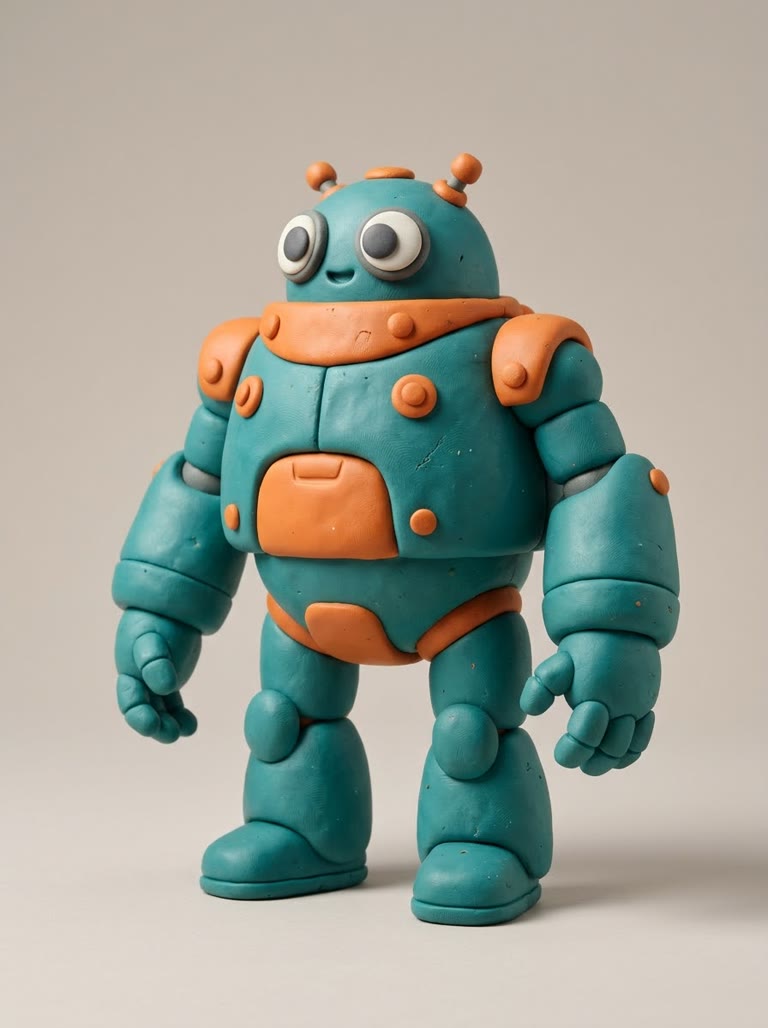
The reference clip: an action figure turned by hand on a deskThe character picture that was uploaded: a clay robot turning to face the camera
Shot 02 · Rough · a clay robot turning to face the camera
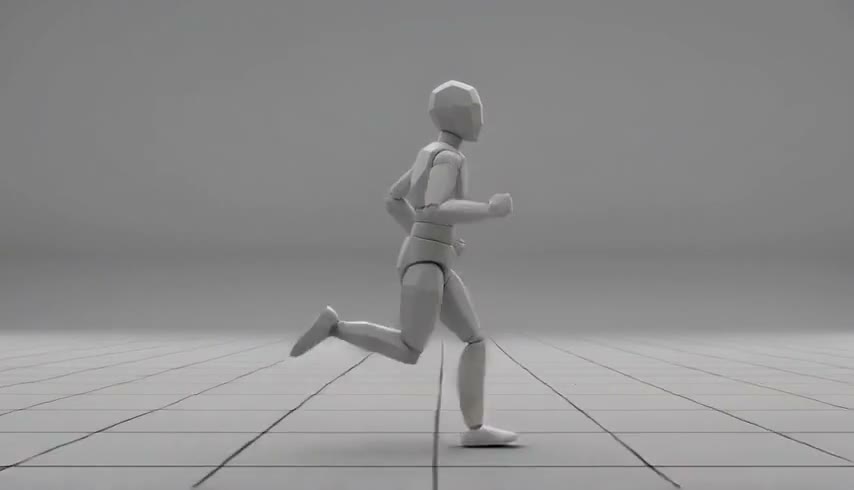
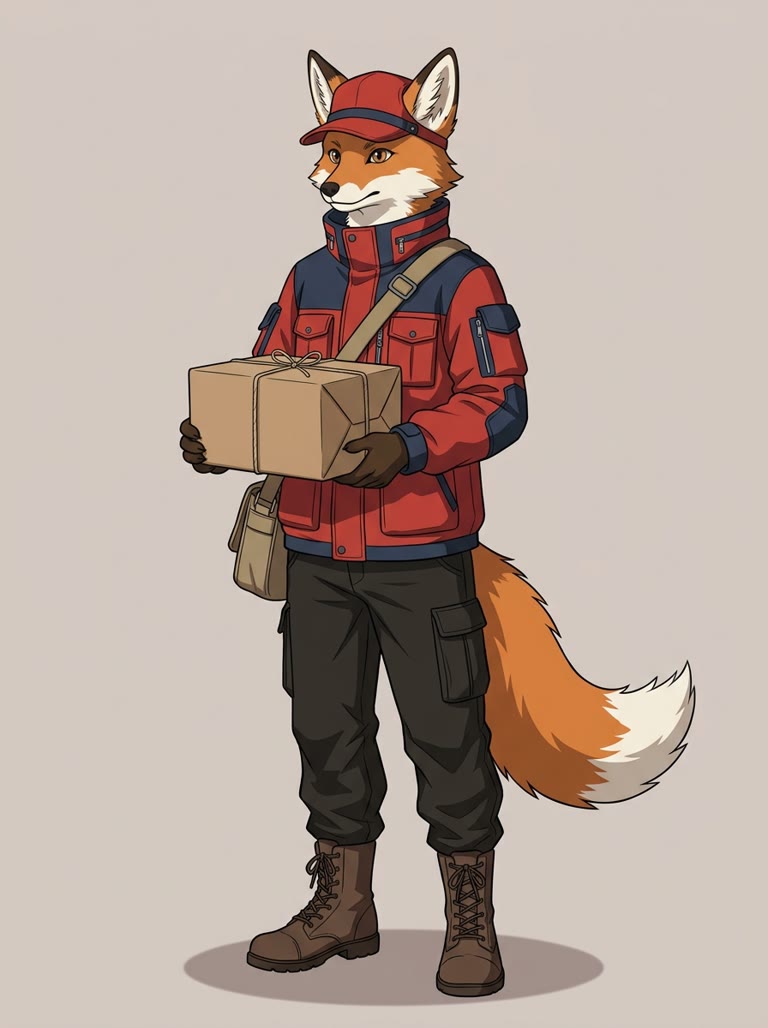
The reference clip: a grey 3D blockout of a run, untexturedThe character picture that was uploaded: a cel-shaded fox courier running with a parcel
Shot 03 · Clean · a cel-shaded fox courier running with a parcel
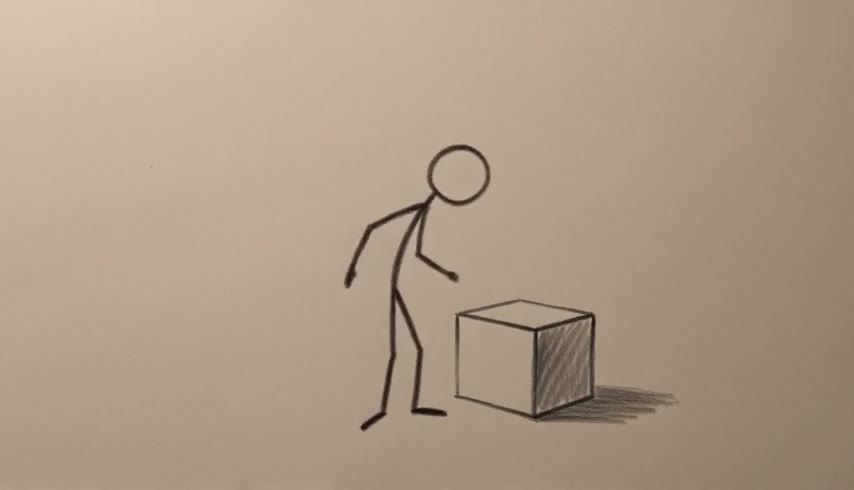
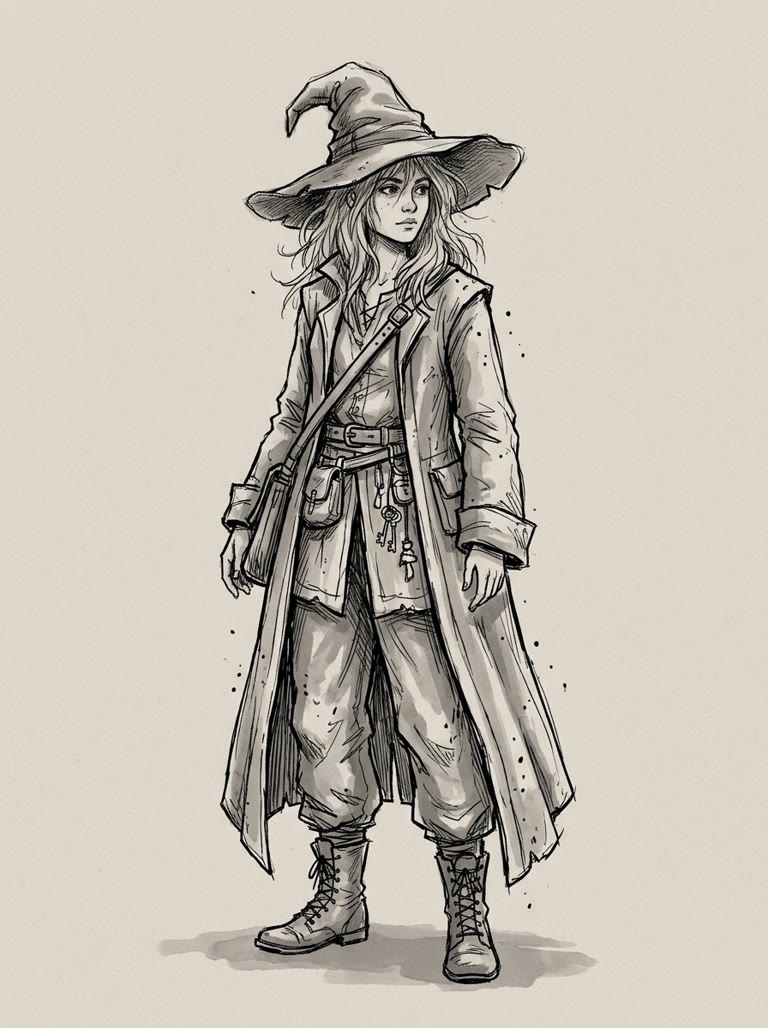
The reference clip: a pencil flipbook of a stick figure sitting downThe character picture that was uploaded: an ink-sketch witch sitting down on a crate
Shot 04 · Draft · an ink-sketch witch sitting down on a crate

01

How this differs from a slideshow animatic

A classic animatic holds each storyboard panel for the length of its shot, with maybe a pan or a zoom added in the edit. That shows timing but hides motion: you cannot see whether a character can cross the room in two seconds, or whether a camera move feels rushed. Here every shot is a moving take built from a real performance, so the sequence plays with real weight and real pacing. It is still rough on purpose. A Draft take is good enough to judge a cut, and much faster to change than an animated layout.

02

Keeping the sequence consistent

The character picture is what holds a sequence together. Use the same picture, or the same character sheet, for every shot, and describe the setting in the same words each time: "the same cramped submarine control room" rather than a new description per shot. Film every reference in similar light, and keep a similar distance to the camera for shots meant to cut together. Small changes in costume detail between takes still happen, so for a pitch, choose keepers by how well they cut rather than by perfection in a single frame. Write a short note on each shot in the list, such as "S03: hero spots the door", because the note is burned into the exported animatic and saved in the CSV beside it. Reviewers then talk about S03 instead of "the third one", and the notes travel with the cut into your editor.

03

What an animatic here costs

You pay for takes, by the second, at the pass you choose. A sequence of six four-second shots run once each as Drafts costs six short Drafts; the price of each is on the button before it runs. Retakes cost the same as first takes, so blocking cheaply in Draft and upgrading only the shots that matter keeps a whole sequence affordable. Trimming, cropping, ordering and exporting the animatic are free. A failed take returns its credits.

Credits per take

Plans start at $12.85 a month and the largest is $613.50 a year; the total for your take shows on the button before anything runs. Plans and credit packs

Credits per second by pass and resolution
Pass480p720p
DraftSeedance 2 Mini20 per second39 per second
RoughSeedance 2 Fast52 per second113 per second
CleanSeedance 286 per second187 per second

Questions

Is the animatic export free?

Yes. Putting the chosen takes in order and exporting them as one MP4 happens in your browser and costs no credits. Only takes are charged.

How long can each shot be?

Each take is 4 to 10 seconds, the length of the trimmed reference. Longer shots can be split into two takes and cut together.

Do I need storyboards first?

No, but a rough shot list helps. Many people act shots out straight from a script and use the animatic as their first board.

Can I use the animatic commercially?

Yes, in a pitch, a client presentation or a production, as long as you hold the rights to the character and to any music you add.